
🤝 Splitting, claims and lending
Shared bills, money your work owes you, and money between friends.
Updated 20 November 2026
Split a bill
In a new expense (Pro), More options → Split this bill. Choose who paid, Equally or By amount, and add the people. Type the whole bill as the amount.
| Your share (counts as your spending) | $41.08 |
| Sam, Rachel and James each owe you | $41.07 |
Equal shares are rounded to the cent; the leftover cent goes to whoever paid. Only your share counts as spending.
When someone pays you back, open the bill and tap their name under Settle up.
Claim it back
Paid for something your work will repay (Pro)? Turn on More options → Claim this back and name who pays. It keeps its category but isn’t your spending. Mark it paid back in Settings → Claims, or tick it when you record your salary (“Includes claims paid back”).
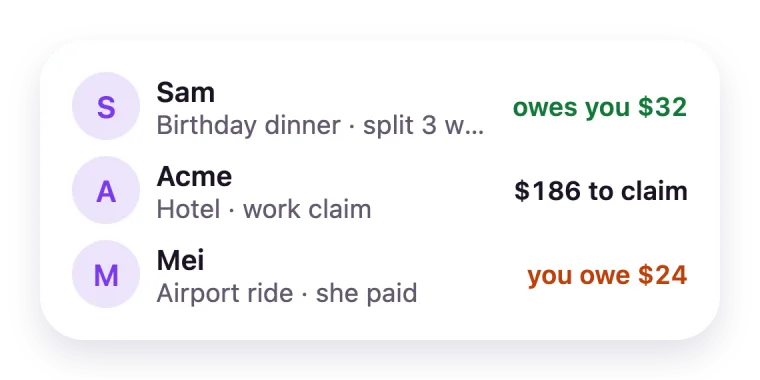
Lending and borrowing
Transfer → Send or Receive, then Lending or Borrowing. It moves your balance but isn’t spending or income. Settings → People shows who owes whom.