
🔒 Privacy, lock and making it yours
No account, Face ID, hiding amounts, themes and layout.
Updated 25 November 2026
- There’s no sign-up and no ads. Your data stays on your iPhone and in your own iCloud backup.
- Settings → App lock: Face ID or your passcode when the app opens, straight away or after a minute or five.
- The eye on the net worth card hides every amount in Clarifyi until you tap it again, for checking your money in public.
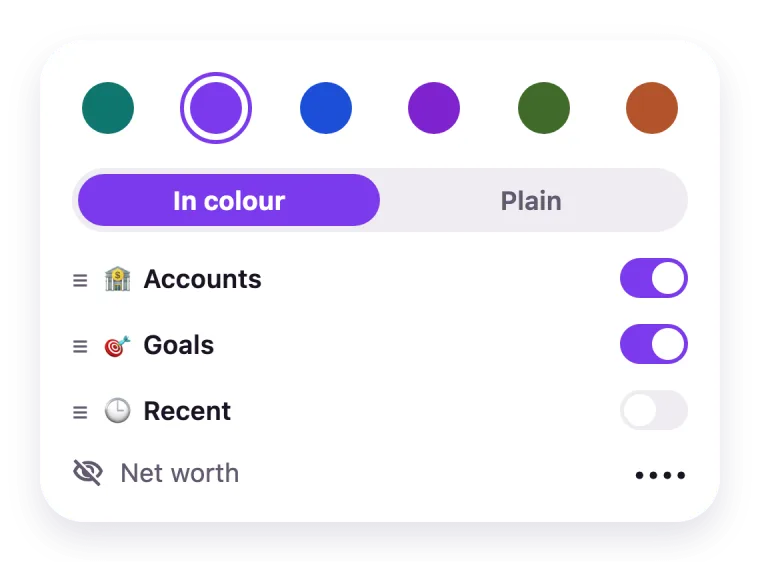
- Settings → Appearance: light, dark or automatic, and a theme.
- Settings → Customize (Pro): which Overview sections show and their order, account tiles in color or plain, side by side or stacked, cents shown or not, transaction rows comfortable or compact, and more.