
👋 Getting started
Set up your accounts and record your first transaction.
Updated 22 November 2026
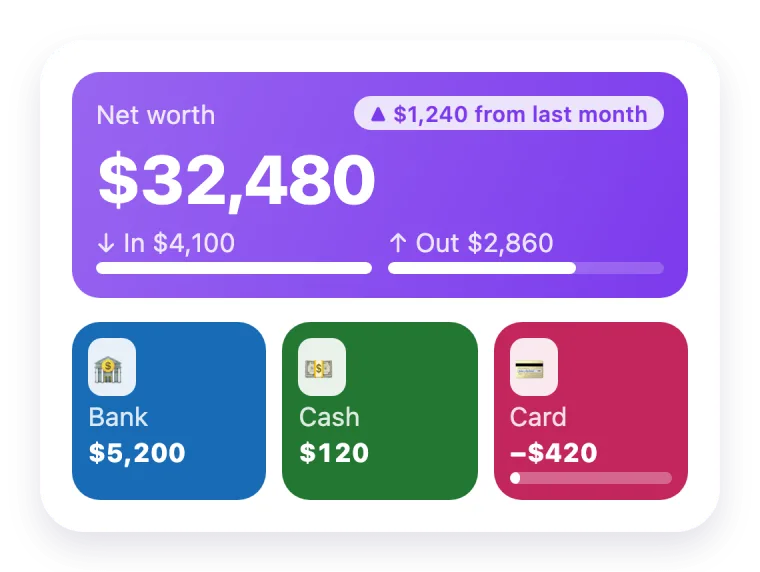
Clarifyi works from two things: your accounts (where money is) and your transactions (money coming in, going out or moving between accounts). Everything else, from budgets to charts, is worked out from those.
Trying it with the demo
On first launch Clarifyi loads a few months of made-up data so you can look around. When you’re ready, tap the banner on Overview (or add a transaction) and choose “Clear the demo and add mine”. Your currency stays; the demo goes.
Your first three minutes
- Overview → Accounts → Manage ›: add the accounts you use, such as cash, your bank and any credit card, each with its balance today. A credit card with statement days goes on to Match statement, so its statement matches your bank’s from the start.
- Tap + (top right of Overview or Activity) to record something you spent today.
- Open Insights after a few days to see where it went.
Tip: You don’t need to enter your history. Start from today’s balances and Clarifyi keeps them up to date from here.